
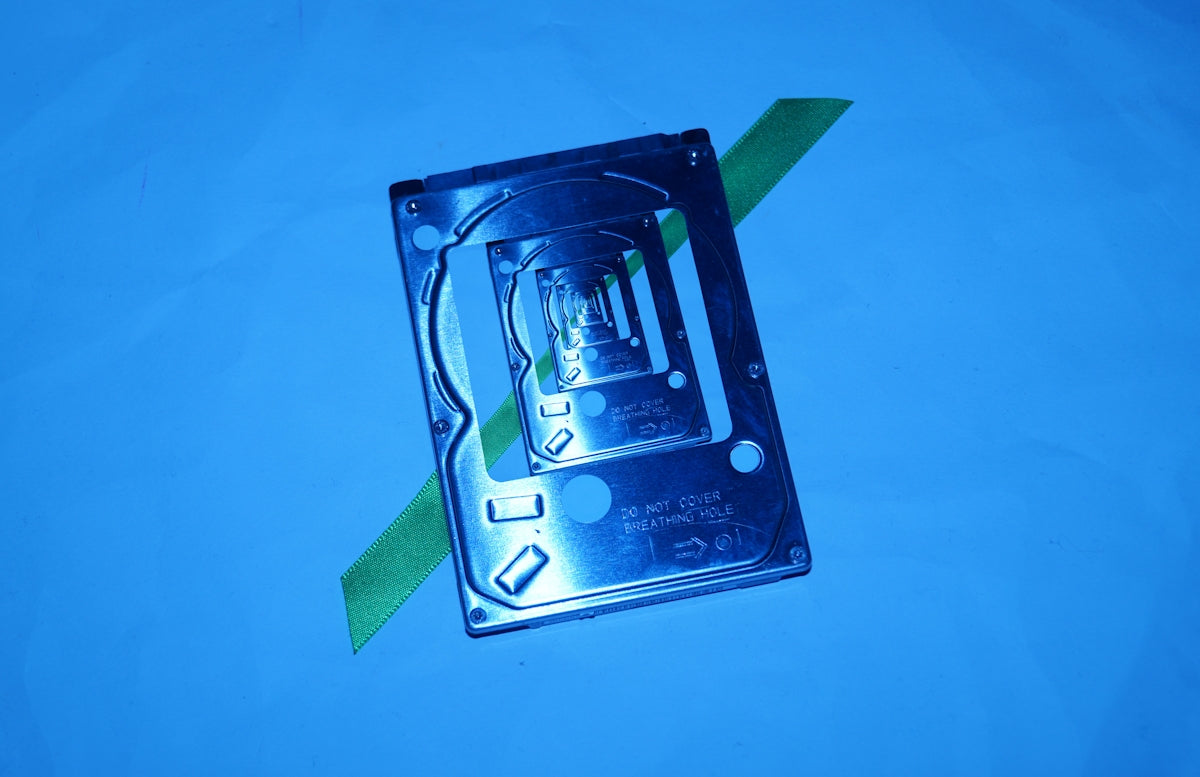
In the ever-expanding world of technology, selecting the right storage solution is key to unlocking the full potential of your Dell server. As businesses increasingly demand faster processing speeds and higher storage capacities, understanding the differences between SAS, traditional hard drives, SSD, and SATA becomes crucial. This guide will help you navigate these options with a focus on the CW988 800GB SAS-SSD, a powerful upgrade for enhancing your Dell server's performance.
Understanding Storage Options: SAS vs. Traditional Hard Drives
When it comes to server storage, the debate between Serial Attached SCSI (SAS) and traditional hard drives often centers around performance, reliability, and speed. Traditional hard drives offer ample storage at a lower cost but may fall short when it comes to speed and data transfer rates. SAS drives, on the other hand, offer higher reliability and faster data transfer rates, making them ideal for enterprise-level solutions.
For instance, the CW988 HUSMM1680ASS204 Dell 800GB 12G MCL SAS-SSD Drive exemplifies the power of SAS drives. With an 800GB storage capacity and data transfer rate of 12 Gb/s, this drive is designed to elevate the storage capacity and system performance of your Dell server, especially for PowerEdge Servers.
SSD for Dell Server: The Benefits
Solid State Drives (SSD) offer a drastic improvement in speed and performance over traditional hard drives. The absence of moving parts means SSDs have quicker access times, lower power consumption, and greater resilience to physical shock. When considering an SSD for your Dell server, look for features such as reliability, endurance, and speed.
The integration of SSD technology with SAS interfaces, as seen in the CW988 800GB SAS-SSD, creates a robust solution that combines the best of both worlds: the speed and efficiency of SSDs with the proven performance and reliability of SAS. This makes it an excellent choice for businesses looking to optimize their server operations.
SATA Options: Where Do They Stand?
The Serial ATA (SATA) interface is another common option that offers good performance at a more accessible price point. While SATA drives are typically slower than SAS drives, they provide adequate speed for less demanding applications. For businesses where budget constraints are a primary concern, SATA offers a balance between cost and performance.
Choosing between SSDs and SATA will depend on your specific needs and workload demands. If high-speed, enterprise-level performance is required, SAS-SSD drives like the CW988 are a superior option, whereas SATA might suffice for less intensive applications.
Final Thoughts
The choice between SAS, traditional hard drives, SSD, and SATA ultimately hinges on the specific requirements of your server environment. By investing in a solution like the CW988 HUSMM1680ASS204 Dell 800GB 12G MCL SAS-SSD Drive, you can significantly enhance the performance and reliability of your Dell server, ensuring that it meets even the most demanding business needs.
For more information on enhancing your Dell server's performance, visit Server Disk Drives to explore more storage solutions tailored to your requirements.