
| Brand | Dell |
|---|---|
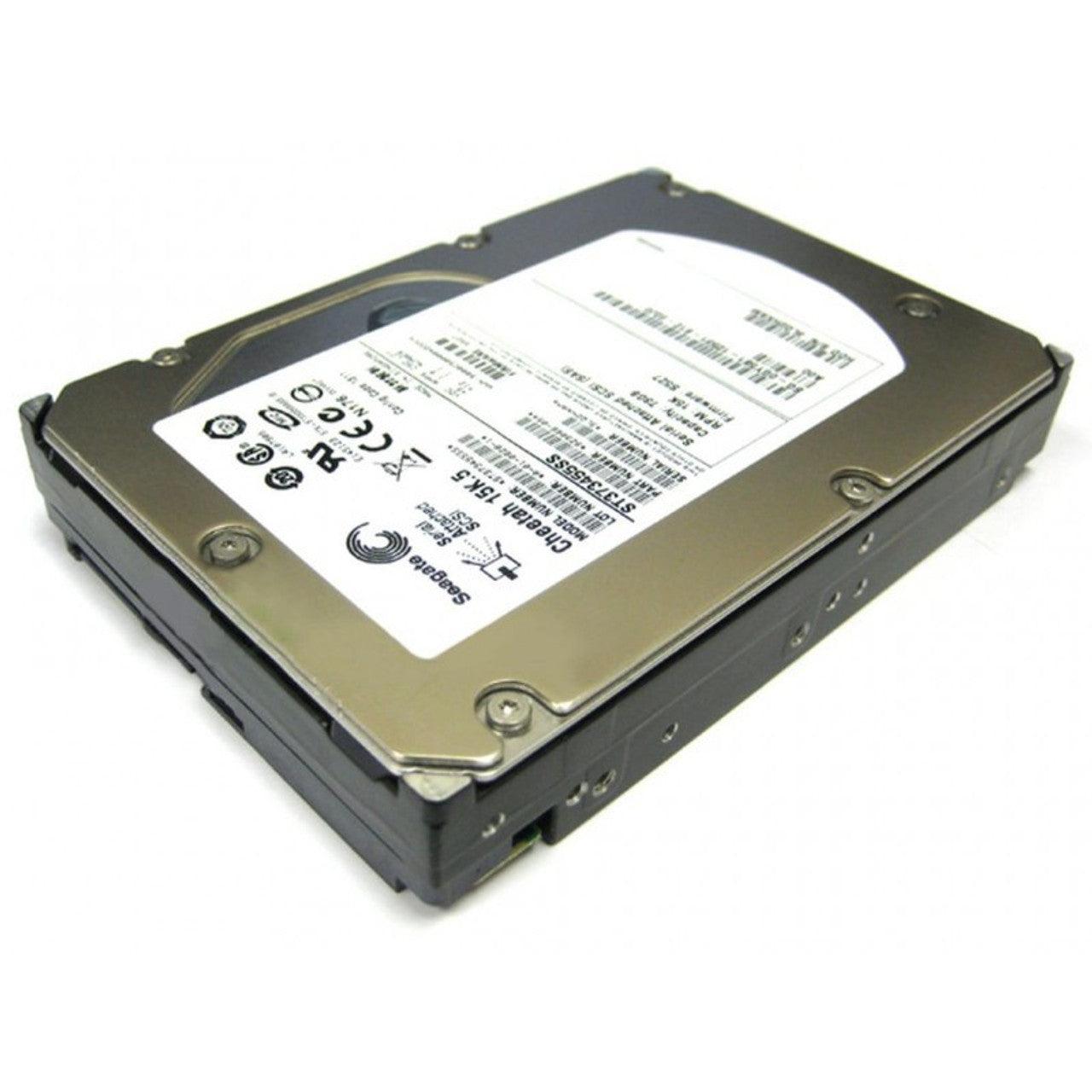
| Category | Dell Server Hard Drives |
| Part number | GY581-RF |
| Model numbers | ST373455SS |
| Capacity | 73GB |
| Interface | SAS 3.5 Inch |
| Spindle speed (RPM) | 15000 |
| Data transfer rate | 6Gbps |
| Form factor | 3.5 Inch |
| Hot swap | Yes |
| Best for | Dell Server |
Brand: Dell
Model: ST373455SS GY581
Capacity: 73GB
Interface: SAS 3.5 inch
Data Transfer Rate: 3Gb/s
Rotational Speed: 15,000RPM
Hot-swappable: Yes
Caddie: No
Best for: Servers (Not for laptops or desktops)
Shipping: Free Standard (2-4 days delivery within USA)
Warranty: 90-days
Condition: Refurbished, Tested & 100% Health
Model: ST373455SS GY581
Capacity: 73GB
Interface: SAS 3.5 inch
Data Transfer Rate: 3Gb/s
Rotational Speed: 15,000RPM
Hot-swappable: Yes
Caddie: No
Best for: Servers (Not for laptops or desktops)
Shipping: Free Standard (2-4 days delivery within USA)
Warranty: 90-days
Condition: Refurbished, Tested & 100% Health
Older PowerEdge: 840, 860, 1900, 1955, 2900, 2950, R200, R300, R900
G11: R210, R210 II, R310, R410, R415, R510, R515, R710, T110, T110 II, T310, T410, T610, T710
G12: R720, R720xd, T620, M620 (VRTX)
Form Factor: ST373455SS / GY581 is a 3.5-inch LFF, 73GB, 15K RPM, 3Gb/s SAS hard drive. The server must have a SAS-capable controller/backplane and support a 3.5-inch drive configuration.
Caddy: The drive requires the appropriate 3.5-inch hot-swap caddy/tray for the target system. The included caddy should be verified against the server generation and chassis configuration. If the installed tray does not match the server, a different compatible caddy will be required.
G11: R210, R210 II, R310, R410, R415, R510, R515, R710, T110, T110 II, T310, T410, T610, T710
G12: R720, R720xd, T620, M620 (VRTX)
Form Factor: ST373455SS / GY581 is a 3.5-inch LFF, 73GB, 15K RPM, 3Gb/s SAS hard drive. The server must have a SAS-capable controller/backplane and support a 3.5-inch drive configuration.
Caddy: The drive requires the appropriate 3.5-inch hot-swap caddy/tray for the target system. The included caddy should be verified against the server generation and chassis configuration. If the installed tray does not match the server, a different compatible caddy will be required.